
The email address used to sign in.
Support
Help for faster ordering.
Find quick guidance for login, country access, product scanning, wishlist use and notifications in the STUDEX Shop App.
Support Center
Clear details help us solve requests faster.
Use this page for access questions, country platform issues, barcode scanning, notifications and account deletion guidance.
The country selected before login.
Phone model, system and app version.
Common topics
Choose the closest area.
Login access
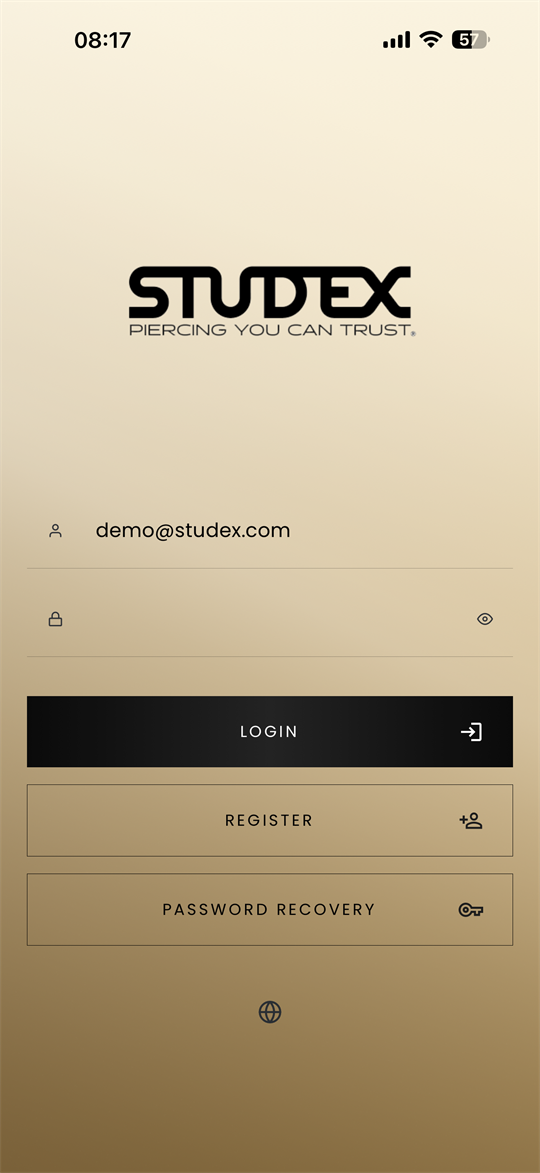
Use your registered email and password. If biometric login is enabled on your device, the app can use it for quicker access.
Country platform
Select the correct country before signing in. Available products, orders and account settings may depend on that platform.
Barcode scanning
Allow camera access when prompted. Scan a product barcode to add matching items to your cart faster.
Notifications
Enable push notifications to receive order status updates, promotions, special offers and delivery information.
Account deletion
Delete your account in the app from Account, Edit, then the trash icon. Full steps are listed in the Privacy Policy.
Contact
Send a support request.
Share the issue, your country platform and any screenshots that show what happened. The form prepares an email for the support team.
Use the form to prepare a complete support message with the details needed for a faster review.